GroupDocs.Assembly for Python 26.11 – November 2026 Release Highlights
GroupDocs Assembly for Python 26.11 introduces cross‑platform wheels, Python dict/list data sources, new API changes, and improved error handling.
GroupDocs.Comparison for Java 26.11 – November 2026 Release Highlights
GroupDocs.Comparison for Java 26.11 adds OCR-based image comparison, matches spreadsheet rows by content, makes spreadsheet comparison take seconds instead of minutes, lays out PDF results from the source page and fixes text, Word, presentation and HTML preview issues.
Build a browser annotation UI on GroupDocs.Annotation — no Angular required
The library reads and writes markup inside documents and draws nothing on a screen. That leaves one question for everyone who adopts it — how does a person actually draw the annotation? About 250 lines of plain JavaScript and six endpoints.
GroupDocs.Conversion for Java 26.10 – October 2026 Release Highlights
Release 26.10 adds ISO/UUE archive conversion, HEIC image handling, metadata removal, and key bug fixes for GroupDocs.Conversion Java.
GroupDocs.Parser for Python 26.10 – November 2026 Release Highlights
Version 26.10 introduces annotation extraction, OCR for Arabic/Korean, HTML table support, a command‑line tool, and pure‑Python wheels.
How to annotate a PDF in C#: highlight, comment, reply and extract
The shortest honest answer to ‘how do I annotate a PDF in C#?’ — seven calls, the two coordinate conventions that decide where the markup lands, and the one line a Linux container needs.
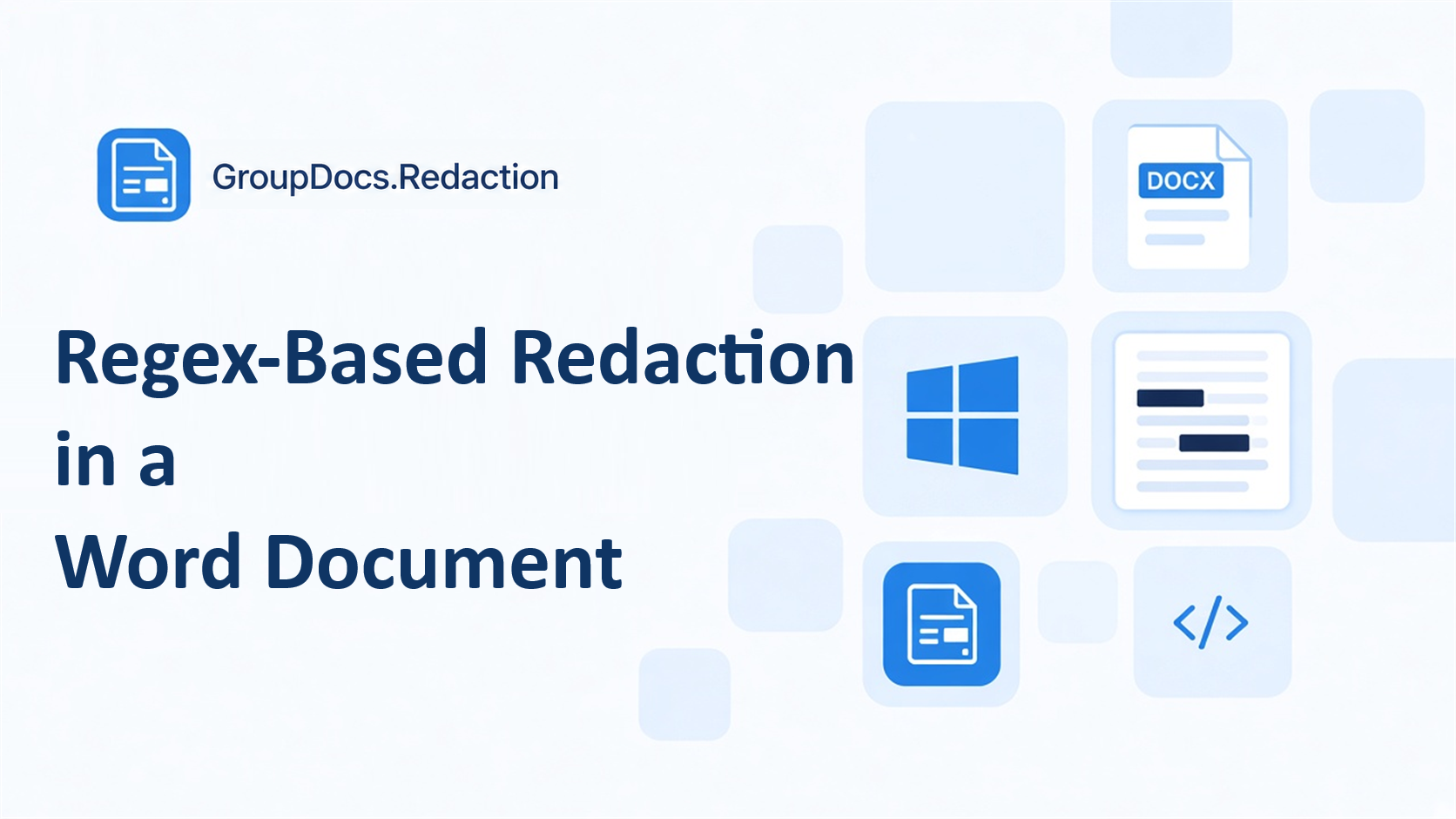
How to Redact a Word Document on Windows with GroupDocs.Redaction for .NET
Learn how to redact a phrase in a Word document on Windows with GroupDocs.Redaction for .NET 26.10. The sample targets net10.0-windows, checks License.IsLicensed, and saves document_Redacted.docx.
Let an LLM review a contract and leave real comments in PDF and Word
A model can read a contract and tell you what is wrong with clause 7. That answer lives in a chat window and dies there. Here is how to write it into the document instead — anchored on the sentence it refers to, as a comment a colleague can reply to.
GroupDocs.Annotation for .NET 26.10 – October 2026 Release Highlights
GroupDocs.Annotation for .NET 26.10 is a security-focused release: external resources are skipped by default with new LoadOptions controls, the document engines are upgraded, a Pkcs vulnerability is addressed, and several fixes land for EML, .NET 8 and PDF rotation.
GroupDocs.Search for Python 26.10 – November 2026 Release Highlights
Initial release of GroupDocs.Search for Python v26.10 brings full-text indexing, fuzzy, synonym and highlighting capabilities.